Launch Impactful Webinars on a Shoestring

Today we dive into a Budget-Friendly Webinar Tech Stack for Solo Entrepreneurs, highlighting scrappy, proven tools and workflows that deliver professional results without heavy subscriptions. You’ll get concrete gear picks, setup checklists, platform choices, and audience engagement tactics, plus real-world anecdotes from lean creators who turned small budgets into big, repeatable wins. Bookmark this guide, ask questions in the comments, and steal the playbook that works even when you’re building alone.

Gear That Sounds and Looks Professional Without Draining Cash
Choose forgiving audio that flatters imperfect rooms

Dynamic USB mics like the Samson Q2U or ATR2100x reject background noise better than sensitive condensers, giving you crisp voice clarity even near fans or traffic. Add a foam windscreen and basic pop filter, speak slightly off-axis, and monitor levels with wired headphones. A cardboard box lined with towels near the mic can tame reflections. Keep gain modest and mouth-to-mic distance consistent, and your attendees will instantly perceive higher production value.

Turn a phone into a sharp, stable webcam
Modern smartphones outperform many budget webcams if you lock focus and exposure, clean the lens, and mount the device on a small tripod at eye level. Use wired connections with apps like Camo or DroidCam to minimize latency and preserve battery. Stabilize with a clamp, frame shoulders and head, and keep the background simple. This approach yields flattering clarity, natural skin tones, and reliable performance without buying new camera hardware.

Light wisely with inexpensive tools and placement
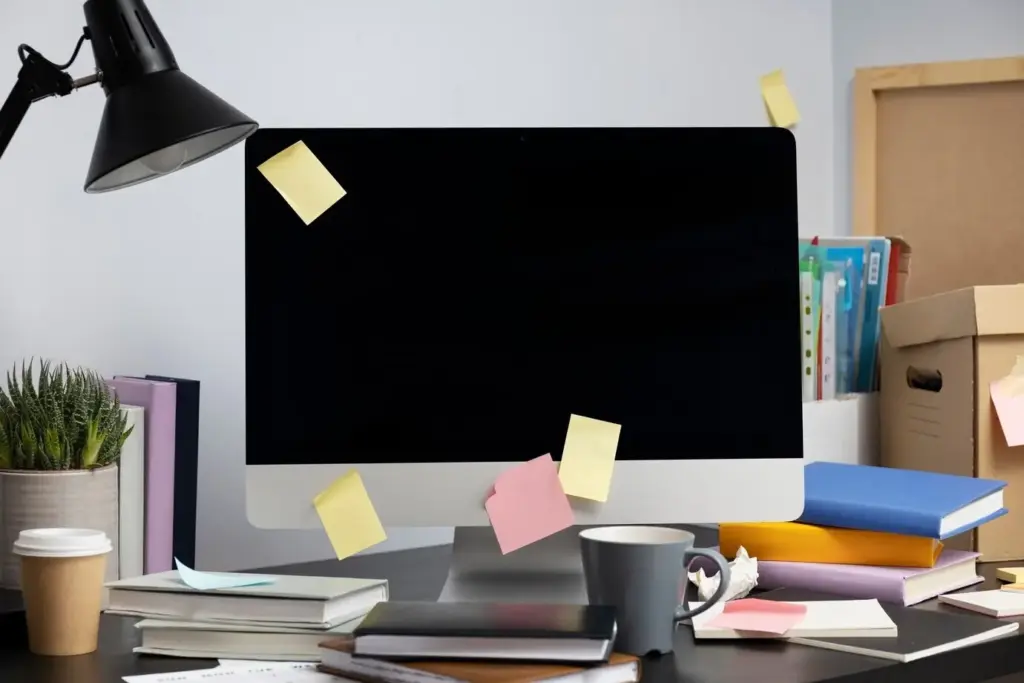
A $25 ring light, a desk lamp bounced off a white wall, and natural window light can create soft, even illumination that flatters faces. Match color temperature across sources to avoid strange tints, and raise lights slightly above eye level to prevent glare. Test with your chosen platform’s preview, adjust dimmer settings gradually, and add a sheet of parchment as a quick diffuser. Small changes here drastically reduce noise and improve perceived sharpness.

Streaming and Hosting That Scale From Zero to Hundreds

You don’t need expensive webinar suites to deliver stable streams, collect questions, and look polished. We’ll compare YouTube Live with OBS, Zoom’s free and low-cost plans, and browser-based studios like StreamYard. You’ll learn how to minimize latency, protect privacy with unlisted links, and make smart trade-offs between interactivity, branding, and reliability. These options allow you to start free, then upgrade only when your audience size and revenue justify it.

Slides, Scenes, and Smooth Screen Demos

Design slides people actually remember and act on

Use large fonts, high contrast, and generous whitespace. One idea per slide keeps attention focused while your voice fills context. Create a lightweight brand kit in Canva, export assets, and drop them into Google Slides master layouts for consistency. Favor screenshots over walls of text, and include micro-checklists and short URLs near the end. Your deck becomes a takeaway resource that supports action long after the live session concludes.

Scene switching that feels intentional and effortless

In OBS, build scenes for camera-only, slides-plus-face, and demo-with-overlay. Assign hotkeys you can hit without looking, and add a subtle transition to reduce jarring cuts. A persistent lower third with your name and call-to-action quietly guides next steps. Practice moving your cursor deliberately and zooming when demonstrating dense interfaces. The experience feels directed and cinematic, projecting confidence even when you’re running everything solo behind the scenes.

Live demo safety nets that avoid awkward surprises
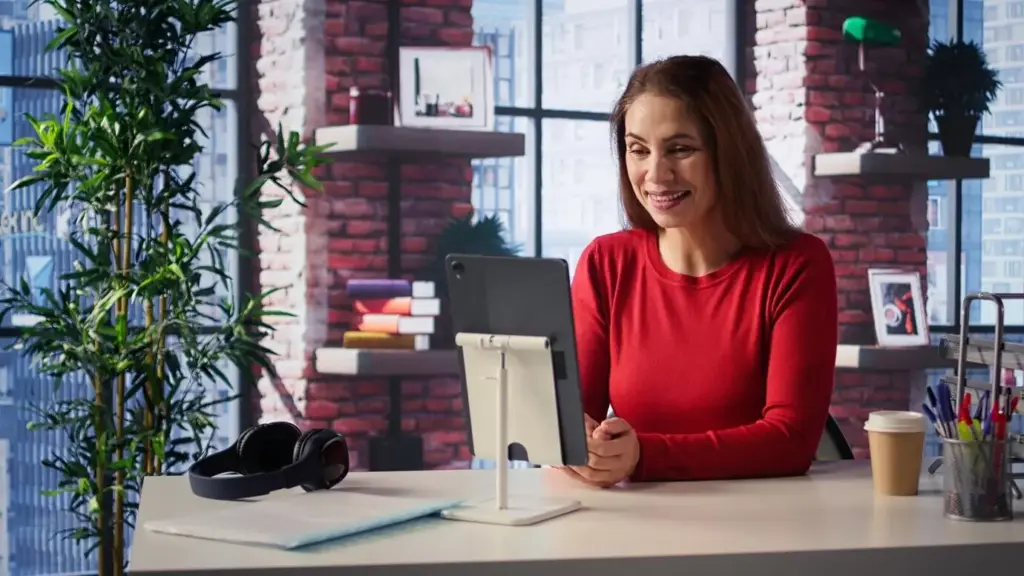
Create test accounts with sanitized data, disable notifications, and activate Do Not Disturb systemwide. Keep a backup deck with annotated screenshots in case a service is down. Use virtual desktops to isolate windows and avoid exposing sensitive tabs. Preload credentials in a password manager and log in before you go live. These precautions transform risky demos into smooth, trustworthy walkthroughs that reinforce credibility instead of creating stressful interruptions.

Build lightweight landing pages that ship in an afternoon

Carrd makes focused, mobile-friendly pages with a strong headline, date, outcome bullets, and a prominent registration button. Notion works too when you want embedded FAQs or resource lists. Add a short explainer video using your chosen camera setup for consistency. Keep navigation minimal, include social proof snippets, and reiterate what attendees will achieve. Publishing quickly lets you test messaging early instead of agonizing over a perfect design that never launches.

Reminder cadence that respects inboxes and boosts show-up rates

Use MailerLite or ConvertKit’s free tier to send a confirmation, a day-before primer with downloadable materials, and a one-hour reminder with the join link and ICS file. Always restate time zones and expected duration. Add a final five-minute nudge with a concise checklist. Keep subject lines helpful, avoid hype, and invite early questions. Thoughtful timing and clarity reduce anxiety, increase punctuality, and establish trust before your camera ever turns on.

Collect funds without coding or complex integrations

Stripe Payment Links, Gumroad, or PayPal buttons can secure paid seats in minutes. After payment, redirect to your registration confirmation or a private Notion page with access instructions. Maintain a lightweight spreadsheet or use simple automation to reconcile attendees. Offer tiered pricing or pay-what-you-can for accessibility without sacrificing sustainability. Clear receipts, refund policies, and deliverable summaries prevent confusion and support repeat business from grateful, informed participants.

Human Engagement: Chat, Polls, and Q&A That Feel Personal
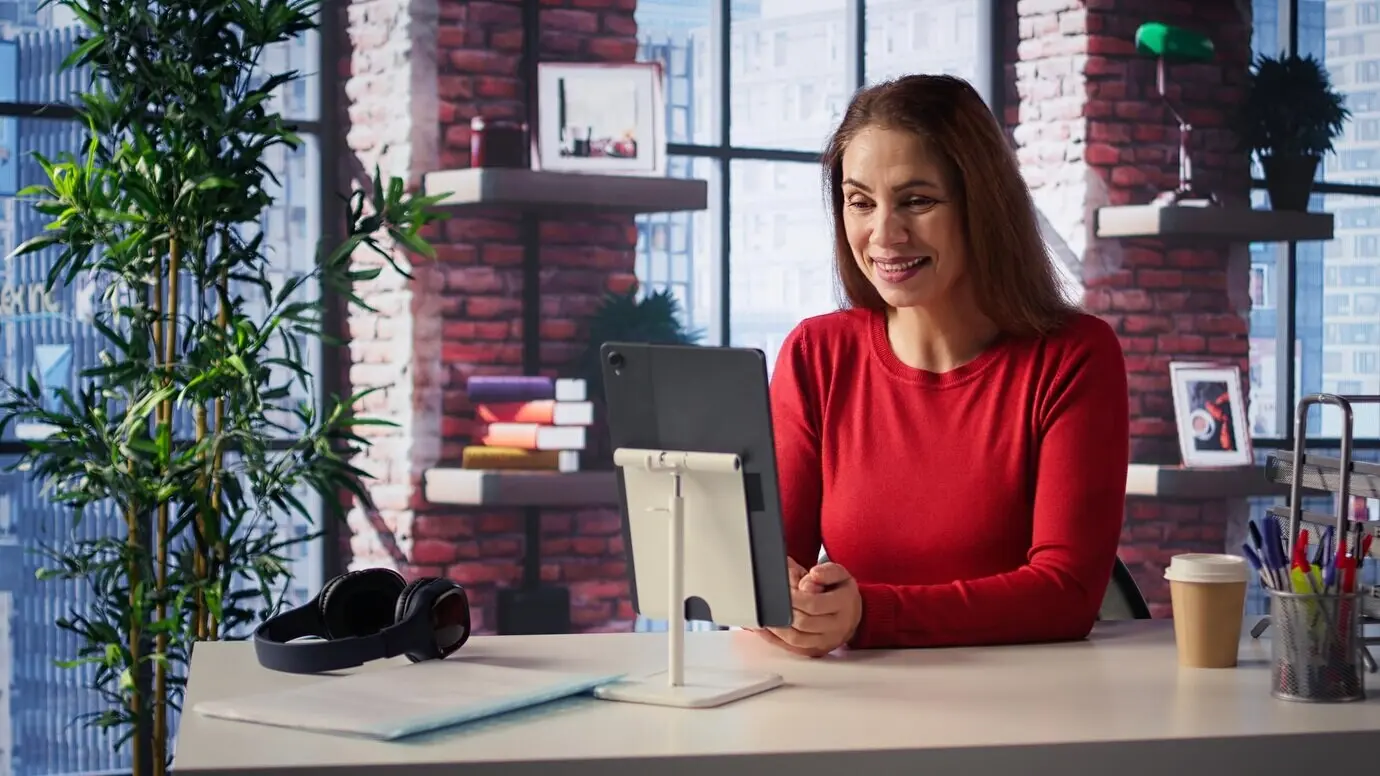
People remember how they felt while learning. We’ll design warm openings, small asks that encourage participation, and recurring interaction beats to re-energize viewers. Thoughtful guidelines keep chat constructive, while polls surface insights and create teaching moments. You’ll learn how to seed questions, reward contributions, and host Q&A without losing flow. Even when you’re solo, these habits make your session feel intimate, responsive, and genuinely helpful from start to finish.

Start with a friendly ritual that sets the tone

Greet early arrivals by name, invite everyone to share location and one expectation, and acknowledge answers to build momentum. Outline the agenda, breaks, and how questions will be handled. Ask a low-stakes prompt like, “What’s your biggest webinar headache?” Pin a message with house rules and links. This combination warms up the room, validates participant voices, and reduces lurking, creating a collaborative atmosphere before the first slide appears.

Weave interaction every six to eight minutes

Use Slido or a quick Google Forms poll to gather opinions, test understanding, or choose the next example in real time. Call out interesting responses and connect them to your material. Simple emoji reactions or hand-raise prompts keep energy visible. Build micro-challenges that lead to an immediate win, like writing a compelling webinar title together. This cadence sustains attention, turns passive viewers into contributors, and makes learning vivid and memorable.

Moderate gracefully while running the show alone

Enable slow mode on YouTube or designate clear chat times on Zoom to prevent overwhelm. Prepare text snippets for common questions, paste relevant links quickly, and star questions you’ll answer later. Repeat audience names when responding to humanize the exchange. If something goes off-topic, thank the contributor and promise a follow-up resource. This calm, respectful approach maintains momentum, protects focus, and shows you’re listening without losing control of your timeline.

Recording, Repurposing, and Analytics for Long-Tail Value
Record once, monetize and educate many times. Capture clean local files, edit lightly, and cut highlights for short-form platforms. Convert great explanations into newsletter issues, blog posts, and course modules. Track registration-to-attendance and call-to-action completion to learn what resonates. With a simple tagging system and a few automation rules, you’ll build a content library that compounds reach, trust, and revenue, transforming each live event into weeks of purposeful marketing assets.
In OBS, record at 1080p with separate audio tracks for mic and system sound to simplify editing. Clap once at the start to create a sync marker. Use Audacity or Descript to remove hiss and normalize levels. Keep an eye on CPU usage and disk space, and avoid background processes that might cause dropped frames. A tidy, well-labeled project folder saves hours later and makes collaboration straightforward if you eventually hire help.
Identify three standout moments, export them as vertical clips with bold captions, and schedule across Shorts, Reels, and TikTok. Expand your core walkthrough into a blog post with screenshots, then summarize key lessons in a newsletter issue linking back to the full replay. Offer the deck and a checklist as a lead magnet. This repurposing pipeline maximizes discoverability, nurtures your list, and steadily attracts qualified leads without repeating the same work.
Laperametorilufemo
Privacy Overview

This website uses cookies so that we can provide you with the best user experience possible. Cookie information is stored in your browser and performs functions such as recognising you when you return to our website and helping our team to understand which sections of the website you find most interesting and useful.